Design
Why Enterprise Software Gets Hard to Use
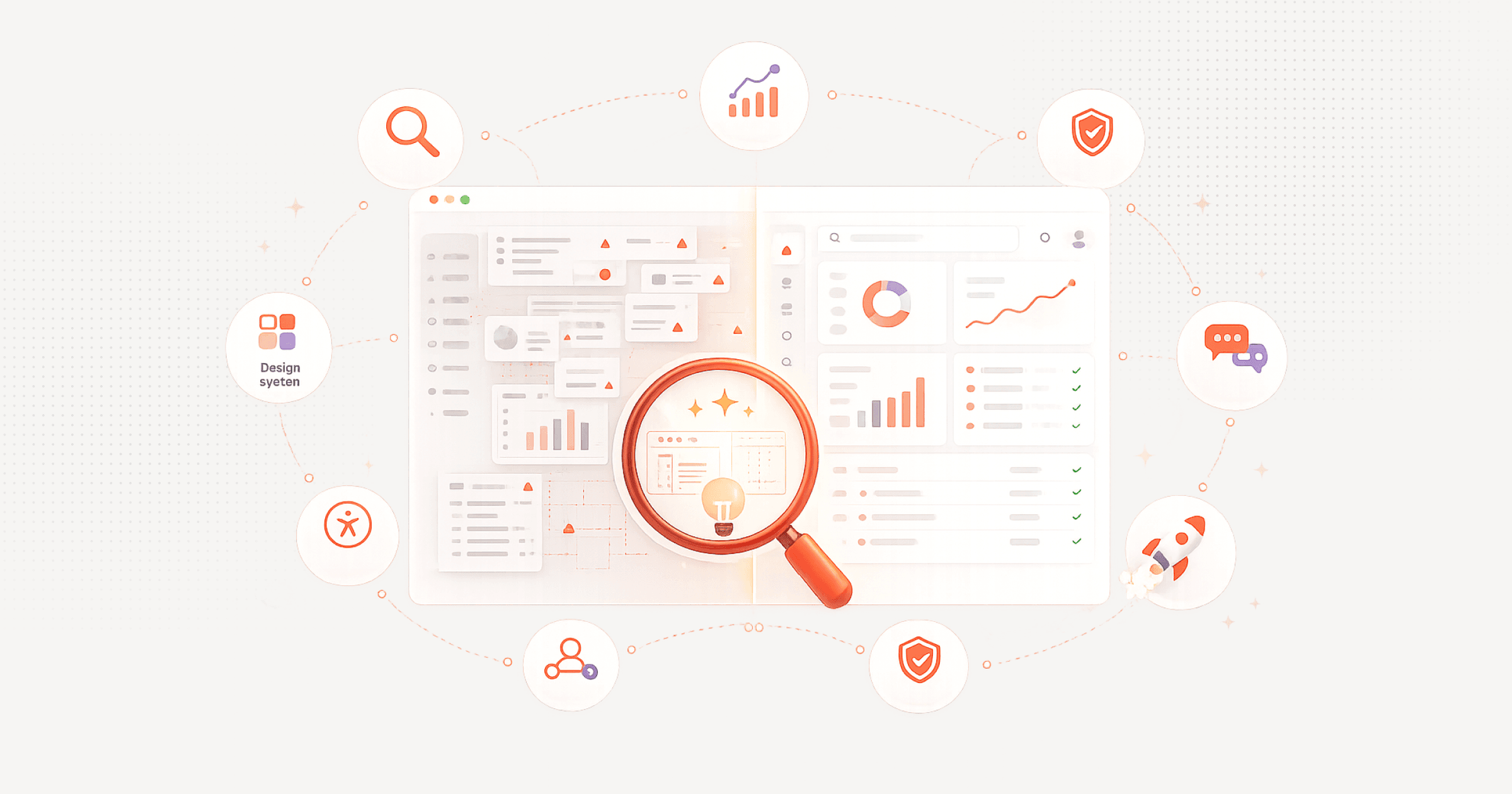
Enterprise software rarely becomes difficult to use because of one catastrophic design decision. Complexity accumulates incrementally. A team adds a field for compliance, another approval for risk, a dashboard for management, a permission for a new role, and an integration for an acquired business.
Each change can be rational in isolation. Together, they create a product that asks users to remember the organization's structure, reconcile fragmented data, navigate exceptions, and compensate for disconnected systems.
The resulting friction is measurable. Microsoft found that 62% of surveyed workers struggled with time spent searching for information. Asana's 2023 survey of 9,615 knowledge workers found that 58% of the workday was consumed by work about work — coordination rather than skilled or strategic activity.
Application fragmentation makes the problem worse. An observational study of 137 users across 20 teams at three Fortune 500 companies recorded nearly 1,200 application and website switches per employee per day. The researchers estimated that reorientation after switching consumed just under four hours each week, or approximately 9% of annual work time. Okta's 2025 customer telemetry showed that the average company in its dataset had 101 deployed applications.
The remedy is not a superficial redesign. Organizations must address the full system of work: product experience, workflow design, permissions, data, integrations, architecture, governance, and operating processes.
The most effective modernization programs begin with a small number of high-value workflows, establish behavioral baselines, simplify decisions before screens, and measure improvement through task completion, error rates, support demand, adoption, and business outcomes.
Enterprise software becomes easier when the product reflects how work is actually done, not how the organization happens to be structured.
The problem is cumulative, not sudden
Enterprise products begin with a promise of control. A CRM creates one place for customer information. An ERP standardizes finance, procurement, and supply-chain operations. An EHR creates a longitudinal view of the patient. A manufacturing execution system connects production planning with activity on the factory floor.
At the beginning, the product may support a relatively clear set of users and workflows. Over time, the organization changes. New teams, markets, regulations, products, acquisitions, integrations, and reporting requirements arrive. Instead of reconsidering the underlying workflow, teams often accommodate each change by adding another field, rule, role, module, or interface.
The software begins to represent the history of the enterprise rather than the needs of the person using it.
This is why enterprise complexity often remains invisible to leadership. Every individual enhancement has an owner and a business justification. No one owns the cumulative cognitive burden.
Common warning signs:
- Employees maintain spreadsheets beside the official system
- Experienced users rely on personal shortcuts and undocumented workarounds
- New hires need extensive training before completing basic tasks
- Managers request more dashboards because existing dashboards do not support decisions
- Support teams repeatedly answer questions about navigation, status, access, and process
- Users copy data between applications because integrations do not carry enough context
- Teams request new features when the actual issue is an unclear workflow
- Small interface changes become expensive because they touch tightly coupled systems
What the public evidence shows
These findings come from different populations and research methods and should not be combined as one universal benchmark. Together, however, they describe a consistent pattern: enterprises have added software faster than they have redesigned work.
| Signal | Public finding | What it suggests |
|---|---|---|
| Coordination overhead | 58% of the workday reported as work about work | The product environment is not carrying enough coordination context. |
| Information retrieval | 62% struggled with excessive time spent searching | Knowledge is fragmented or separated from the workflow. |
| Application switching | Nearly 1,200 toggles per day and just under four hours per week reorienting | Employees are acting as the integration layer between systems. |
| Application proliferation | The average Okta customer had 101 deployed applications in 2025 | More capability creates more navigation, identity, and governance seams. |
| Feature underuse | Pendo reported that 80% of tagged features were rarely or never used | Product surface area can grow faster than realized value. |
| Developer friction | 69% of developers reported losing at least eight hours weekly to inefficiency | Complexity also slows the teams responsible for improving the product. |
| Technology debt | CIOs estimated debt at 20% to 40% of technology-estate value | Difficult experiences often rest on difficult-to-change architecture. |
Why enterprise software becomes difficult
1. UX debt becomes normalized
UX debt is the accumulated gap between the experience a product provides and the experience users need to complete current work effectively. It develops when teams repeatedly choose local fixes over systemic improvements. A new form is added instead of redesigning intake. Another dashboard is created instead of clarifying the decision. A warning modal appears instead of preventing the underlying error.
Unlike a visible defect, UX debt often appears as accepted behavior. Employees learn that a task simply takes 20 minutes, that a report must be exported to Excel, or that only one experienced colleague knows how to reverse a transaction. Familiarity is not evidence that a system is usable. It may mean users have absorbed its cost.
2. Feature creep rewards addition but not removal
Feature creep begins when shipment becomes the primary evidence of product progress. Organizations add capabilities for large customers, individual departments, new regulations, sales opportunities, and competitor parity. Features are rarely removed because removal creates visible political risk, while retaining low-value functionality creates a dispersed operational cost.
Pendo's 2019 telemetry study concluded that 80% of features in the products it analyzed were rarely or never used, while approximately 12% generated 80% of average daily usage. The dataset is not a universal law, but it illustrates why feature count is a poor proxy for product value.
3. Permission models stop matching real responsibility
Enterprise permissions are necessary. They protect sensitive information, support separation of duties, and reflect differences between administrators, operators, managers, partners, and customers. The problem begins when the permission model no longer reflects how responsibility actually works.
Users experience this as missing actions, disabled controls without explanation, delayed access requests, duplicate approvals, inconsistent visibility, and unclear ownership. In complex environments, effective access often requires a considered combination of role-based, attribute-based, and relationship-based controls rather than hundreds of static roles.
4. Workflows cross systems, but products are managed by department
Most employees do not complete a CRM task or an ERP task. They resolve a customer issue, process a claim, release a batch, approve a purchase, onboard a supplier, or investigate an exception. Those outcomes cross system boundaries.
When applications are purchased and managed by department, each tool optimizes its own segment. The employee carries the process across the seams by searching, copying, interpreting, messaging, and requesting approval. The organization may have automated individual systems without coherently designing the workflow.
5. Technical debt makes visible friction expensive to remove
A field that appears redundant may feed 14 reports. A slow screen may depend on synchronous calls to legacy systems. A confusing sequence may mirror service boundaries. A redesigned workflow may require changes across a monolith, an integration layer, and historical data models.
McKinsey reported that CIOs estimated technical debt at 20% to 40% of the value of their technology estates, and that 10% to 20% of technology budgets intended for new products were being diverted to technical-debt issues. UX debt and technical debt reinforce one another. Constraints produce awkward experiences. Awkward experiences generate patches. Those patches create more constraints.
6. Software absorbs unresolved organizational disagreement
One department wants speed. Another wants control. Legal needs evidence. Finance wants standardization. Sales wants exceptions for strategic accounts. Operations wants fewer steps. Without a shared product model, each request becomes another configuration or conditional path.
Governance makes this worse when committees evaluate additions but no mechanism evaluates cumulative complexity. Backlogs become collections of stakeholder requests rather than evidence-based product decisions.
The measurable business impact
Productivity loss
The application-switching study's estimate of just under four hours per employee per week equates to roughly 200 hours per year across 50 working weeks. For an illustrative organization with 1,000 similarly affected users, that represents 200,000 hours — approximately 96 full-time-equivalent years at 2,080 hours per FTE.
This is a business-case illustration, not a universal benchmark. The correct calculation should use the organization's own workflow telemetry.
Training and time to proficiency
Organizations often compensate for poor usability with more training. The hidden cost is larger than the course budget. It includes instructor time, manager support, peer assistance, reduced output while new users become proficient, and retraining after releases. Difficult products also concentrate knowledge in a small number of super users, creating continuity risk when they change roles or leave.
Support demand
Support tickets are a lagging indicator of product friction. Navigation questions, access failures, unclear statuses, incomplete data, and inconsistent process behavior often appear in separate categories, hiding their common cause. The durable response is not only faster ticket handling — it is connecting ticket themes to product telemetry, workflow failures, documentation gaps, and permission defects so recurring demand can be removed.
Quality, error, and safety
Poor usability changes outcomes, not just opinions. In a JAMA Network Open quality-improvement study, physicians using an enhanced EHR interface appropriately managed 89% of measured failure opportunities, compared with 68% using the baseline interface. For critical test results involving patients who had missed follow-up, the difference was 77% versus 37%.
The study was simulated and involved 38 participants, so its percentages should not be generalized to every clinical system. The mechanism is what matters: clearer prioritization, status, and decision support changed performance.
Delivery velocity
Atlassian's 2024 developer-experience research found that 69% of surveyed developers lost at least eight hours per week to inefficiencies. Developers most often attributed the loss to technical debt and insufficient documentation, while leaders were more likely to identify staffing and expanding role expectations. That disagreement matters because leadership may fund more capacity while leaving the primary source of friction unchanged.
What to measure instead
| Impact area | Weak baseline metric | Better outcome metric |
|---|---|---|
| Productivity | Minutes, clicks, fields, and systems | Median successful task time |
| Training | Course hours and completion | Time to independent proficiency |
| Support | Ticket volume by category | Recurring workflow tickets per 1,000 users |
| Quality | Rework and error count | First-time-right completion rate |
| Customer risk | Complaints and satisfaction | Retention, expansion, and activation |
| Engineering | Release count | Lead time for validated workflow improvement |
| Access | Permission requests | Time to productive access with least privilege |
| Adoption | Logins and page views | Completion of intended business outcomes |
A practical framework for fixing the problem
A remediation program should not begin with a visual audit of every screen. It should begin with the work.
The FLOW framework organizes enterprise modernization around six connected actions.
| FLOW action | Core question | Primary output |
|---|---|---|
| Frame outcomes | Which business and user outcomes matter most? | Outcome scorecard |
| Locate friction | Where do users lose time, context, confidence, or control? | Workflow friction map |
| Optimize decisions | What information and actions are required at each decision point? | Simplified future-state workflow |
| Wire the system | Which data, integrations, permissions, and architecture changes enable it? | Technical enablement plan |
| Operationalize ownership | Who prevents complexity from returning? | Product and governance model |
| Learn continuously | What evidence determines the next improvement? | Measurement and iteration loop |
Step 1: Establish a measurable baseline
Choose three to five workflows that are important and visibly difficult. Strong candidates have high volume, high error cost, long cycle time, heavy support demand, or strategic importance. Instrument the workflow before redesigning it.
Measure: task completion and abandonment, time from initiation to outcome, active work time versus waiting time, systems and screens visited, repeated data entry, error and rework rate, permission failures, approval handoffs, support contacts, user confidence, and business outcome achieved.
Avoid beginning with broad questions such as "Do you like the software?" A user can dislike a product and still complete work effectively. They can also claim familiarity while relying on unsafe workarounds. Measure behavior and outcomes together.
Step 2: Map the real workflow
Document the path people follow, not the standard operating procedure alone. Observe users across roles. Include the main path, exceptions, handoffs, waiting states, informal messaging, spreadsheet use, and decisions made outside the product.
| Layer | What to capture |
|---|---|
| Outcome | What must be true when the workflow is complete? |
| Decisions | Which judgments or approvals are required? |
| Information | What evidence is needed at each decision? |
| Interaction | What does the user enter, review, or confirm? |
| System | Which applications, services, permissions, and data sources participate? |
Step 3: Quantify friction
Create a Workflow Friction Index rather than relying on anecdotal severity.
Workflow friction = interaction cost + context cost + delay cost + error cost + learning cost
Score each element from one to five using agreed thresholds. Weight the elements according to the business. Error cost should carry more weight in clinical or financial workflows, while delay may dominate logistics or customer support. Keep the underlying measures visible. The index is a prioritization device, not a substitute for diagnosis.
Step 4: Simplify decisions before interfaces
The central design question is not "How should this screen look?" It is: what decision is the user making, and what does the product need to make that decision easier and safer?
To simplify a decision: remove information that does not affect it, bring required evidence into the same context, make status and ownership explicit, display exceptions according to urgency and consequence, provide safe defaults where policy allows, explain why an action is unavailable, confirm consequential actions without creating alert fatigue, and preserve an accessible audit trail.
Step 5: Reduce the feature surface
Every feature should have an owner, an intended user, a target outcome, a usage measure, and a review date. Feature retirement deserves the same discipline as feature launch.
| Classification | Action |
|---|---|
| Core and valuable | Improve and protect |
| Valuable but hard to discover | Reposition, embed, or improve guidance |
| Low use but legally or operationally required | Restrict to the relevant role or context |
| Low use and low value | Deprecate, consolidate, or remove |
Step 6: Redesign permissions around responsibility
Begin with tasks and responsibilities, not the existing role list. Map which actors must view, create, approve, amend, export, administer, or audit each resource. Follow least privilege and deny by default, but make the experience understandable. A blocked action should explain whether the user lacks permission, the item is in the wrong state, another approval is required, or policy prohibits the action.
Step 7: Fix the seams between systems
The objective is workflow coherence, not an arbitrary application count. Integrate around the highest-value transitions. Pass context with the user. Reuse identity. Eliminate duplicate entry. Establish a source of truth. Make synchronization status visible.
Architecture modernization should be sequenced behind workflow value. Otherwise, the organization may complete a technically successful migration while preserving the same difficult experience.
Step 8: Change the operating model
Complexity returns unless governance changes. Create a cross-functional product council with representation from product, design, engineering, operations, support, security, compliance, and data. Before adding a new requirement, ask: which user and workflow need this, what measurable outcome should improve, can an existing capability solve the problem, what permanent complexity will this add, which role should see it, what will be retired or simplified, and when will usage and outcome be reviewed?
A 12-month implementation roadmap
Release by workflow rather than by layer. A complete improvement to one procurement or service workflow creates more value than partially redesigning 20 modules.
| Period | Activities | Deliverables |
|---|---|---|
| Month 0–1 | Confirm sponsorship, select workflows, define metrics, and instrument the current state | Program charter, outcome scorecard, telemetry plan |
| Month 2–3 | Field research, workflow mapping, support and access analysis, feature and architecture audit | Current-state maps, friction index, risk register, feature inventory |
| Month 4–5 | Design future workflows, prototype decision surfaces, and test with representative roles | Validated prototype, service blueprint, policy model |
| Month 6–8 | Build integrations and interface changes, remediate critical debt, and prepare migration | Pilot release, API and data changes, operational readiness plan |
| Month 9–10 | Controlled rollout, outcome monitoring, and regression resolution | Pilot outcome report, prioritized fixes, rollout decision |
| Month 11–12 | Scale by workflow and role, retire redundant features, and establish governance | Production rollout, retirement plan, governance dashboard |
Where AI helps, and where it does not
AI can reduce friction when it retrieves information, summarizes context, drafts routine outputs, classifies work, highlights exceptions, or helps orchestrate activity across systems. It is especially useful where the user spends time searching, synthesizing, or translating rather than making a novel judgment.
AI cannot reliably compensate for unclear ownership, poor data, uncontrolled permissions, or a broken workflow. Adding a conversational layer over fragmented systems can make the interface appear simpler while preserving the underlying ambiguity. In some cases, it merely hides complexity until the model produces the wrong answer or takes the wrong action.
The sequence matters: understand the workflow, clarify accountability, improve the data and permission model, then introduce AI where it can remove real cognitive or coordination effort.
Conclusion
Enterprise software does not become difficult because organizations stop caring about users. It becomes difficult because the forces that add complexity are continuous, visible, and well funded, while the work of simplification is periodic, distributed, and easy to postpone.
Every new regulation, customer request, acquisition, reporting requirement, and operational exception creates pressure to add something. Few organizations have an equally strong mechanism for removing redundant controls, consolidating overlapping functionality, revisiting permissions, or redesigning the workflow that connects multiple systems.
That imbalance eventually changes the role of the employee. Instead of using software to complete work, the employee begins operating the software itself. They search for context, translate between systems, remember exceptions, request access, reconcile conflicting records, and check whether an action actually succeeded.
Fixing the problem requires more than a redesign project. It requires a product operating model that treats usability as an ongoing measure of organizational performance. Product teams must understand real workflows. Engineering teams must reduce the technical cost of change. Security teams must make access both safe and intelligible. Business leaders must be willing to retire complexity rather than continually adding to it.
The best enterprise product is not the one with the fewest features or screens. It is the one that gives each person the information, authority, and actions required to move an important outcome forward, with minimal effort spent understanding the machinery behind it.
Frequently asked questions
Enspirit is an AI-native product design and engineering studio. Start a conversation about what you're building.